
A Safari password manager that encrypts your data
- Secure and private: Secure your login data and private information with end-to-end encryption
- Easy to use: Access your stored data from any synced device, anytime

How to use the Proton Pass Safari extension
Set up a Proton account
Select a free or paid plan, enter an email address or username, and set a password to create a Proton account.
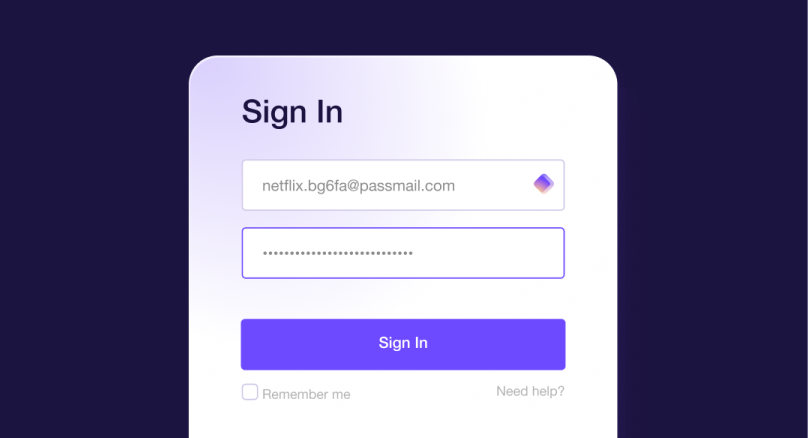
Download Proton Pass and log in
Download and install the Safari extension on your device. Once installed, run the password manager app and log in.

Add and manage passwords
Start adding passwords manually or easily import them from Safari or another password manager.
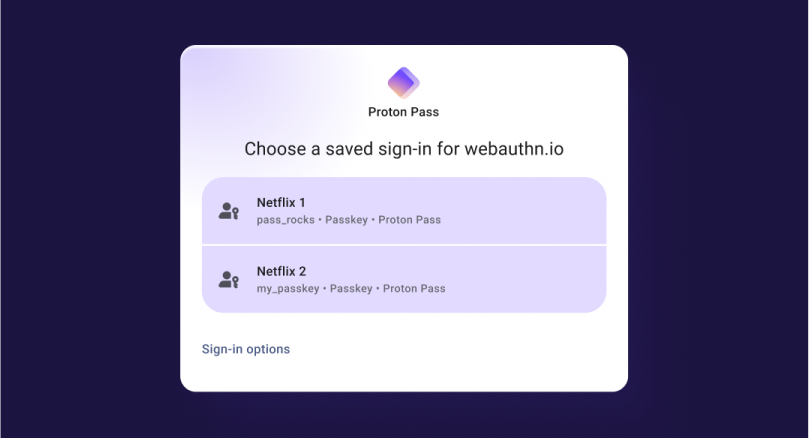
For step-by-step instructions, find out how to set up Proton Pass on Safari, or explore our full guide to using the Proton Pass browser extension.
Download Proton Pass for your device


A Safari password manager for all your data — not just passwords

Easy to use
✓ Protect your passwords, notes, credit cards, and identity with Swiss privacy standards
✓ Sync and access your encrypted data across all your devices
✓ Quickly transfer your passwords from Firefox or other password managers to Proton Pass

Zero-knowledge architecture
Proton Pass secures your passwords, usernames, web address, and metadata with 256-bit AES-GCM encryption and end-to-end encryption. All cryptographic operations happen locally on your device, so unencrypted data never leaves your control or reaches Proton’s servers.
Only you can access your private information, including your Proton Account password. In the unlikely event of a data breach, there would be nothing for attackers to steal.

Dark Web Monitoring
Part of our Pass Monitor security feature, Dark Web Monitoring continuously scans online databases for any instances where your email addresses — and any associated information, such as credit card details — have been exposed in data breaches. This applies to Proton’s 19 email domains (such as @pm.me or @protonmail.ch) and, for paid plans, to custom email domains with your consent. If your data is compromised, you’ll receive a prompt alert, allowing you to act quickly to prevent identity theft or unauthorized access.

Password sharing
Securely share passwords, credit cards, or notes with others, even if they don’t use Proton Pass. Share single items via end-to-end encrypted links, or grant vault access by email, with options to set expirations, limit views, control access, and revoke it anytime.
More reasons to use Proton Pass
Focused on privacy
Built by the same community-driven team behind Proton Mail(new window), the world’s largest end-to-end encrypted email service, Proton Pass shares the mission of creating a private internet.
Trustworthy and transparent
Proton Pass regularly undergoes independent security audits to verify its security model. All Proton apps are open source, allowing anyone to review the code.
Free, now and always
Proton Pass is free to use, forever. You get unlimited logins, notes, and devices, along with 10 hide-my-email aliases and alerts for weak or reused passwords.
Why choose the Proton Pass extension for Safari
Securely access your passwords, notes, identity details, or credit card information directly within any device that runs Safari. You can easily retrieve your saved information whenever needed, thanks to autofill — no need to open the app each time.


Our Safari password manager:
✓ Protects your email address from data breaches, leaks, spam, and tracking with aliases
✓ Improves the security of your saved passwords with two-factor authentication (2FA)
✓ Provides a password generator for creating or updating your logins
✓ Checks for weak or reused passwords and inactive 2FA
✓ Uses Proton Sentinel to prevent account takeover with AI and human analysis
✓ Supports biometric logins, such as your fingerprint or a device PIN
Try Proton Pass risk-free
Start using Proton Pass for free with unlimited logins, notes, and devices, 10 hide-my-email aliases, and alerts for weak or reused passwords. If you like it, you can safely try a premium plan for more features. Not satisfied? We’ll refund your payment in full within 30 days.

Frequently Asked Questions